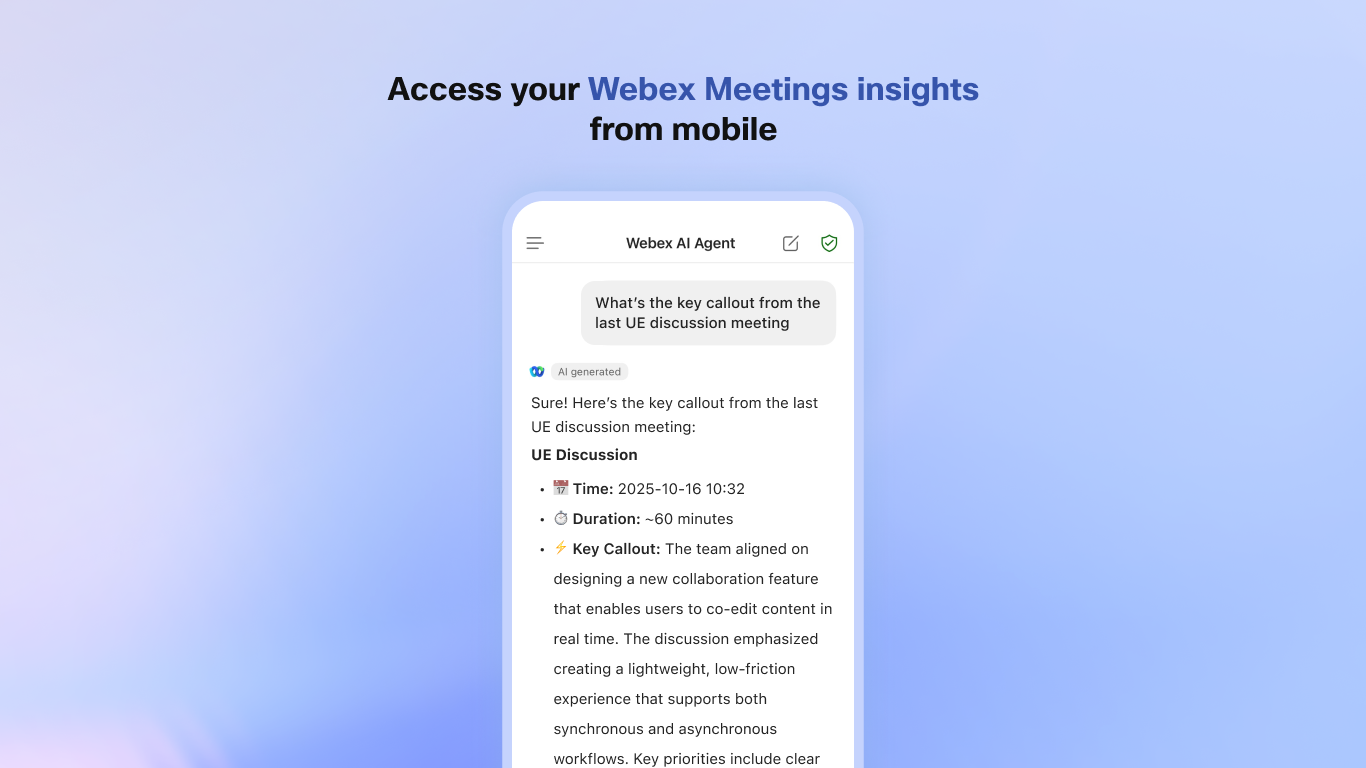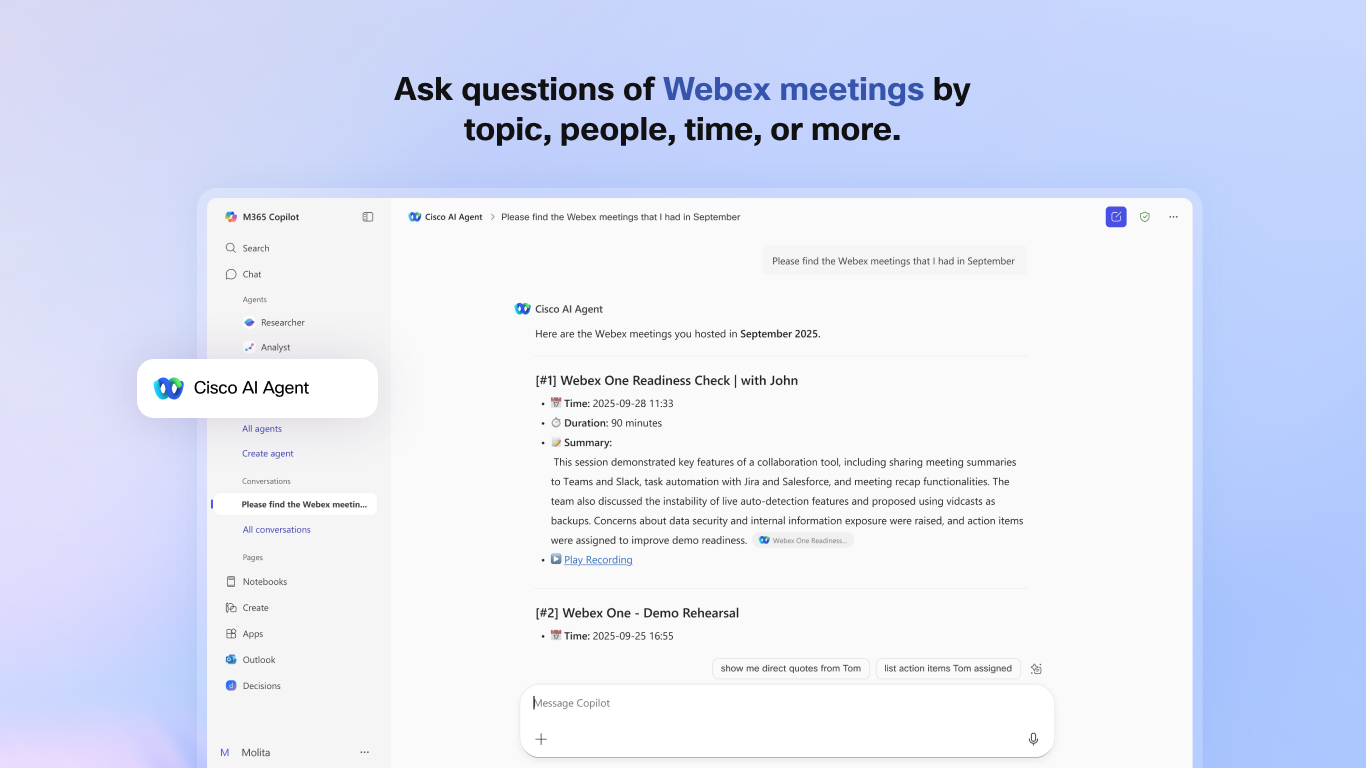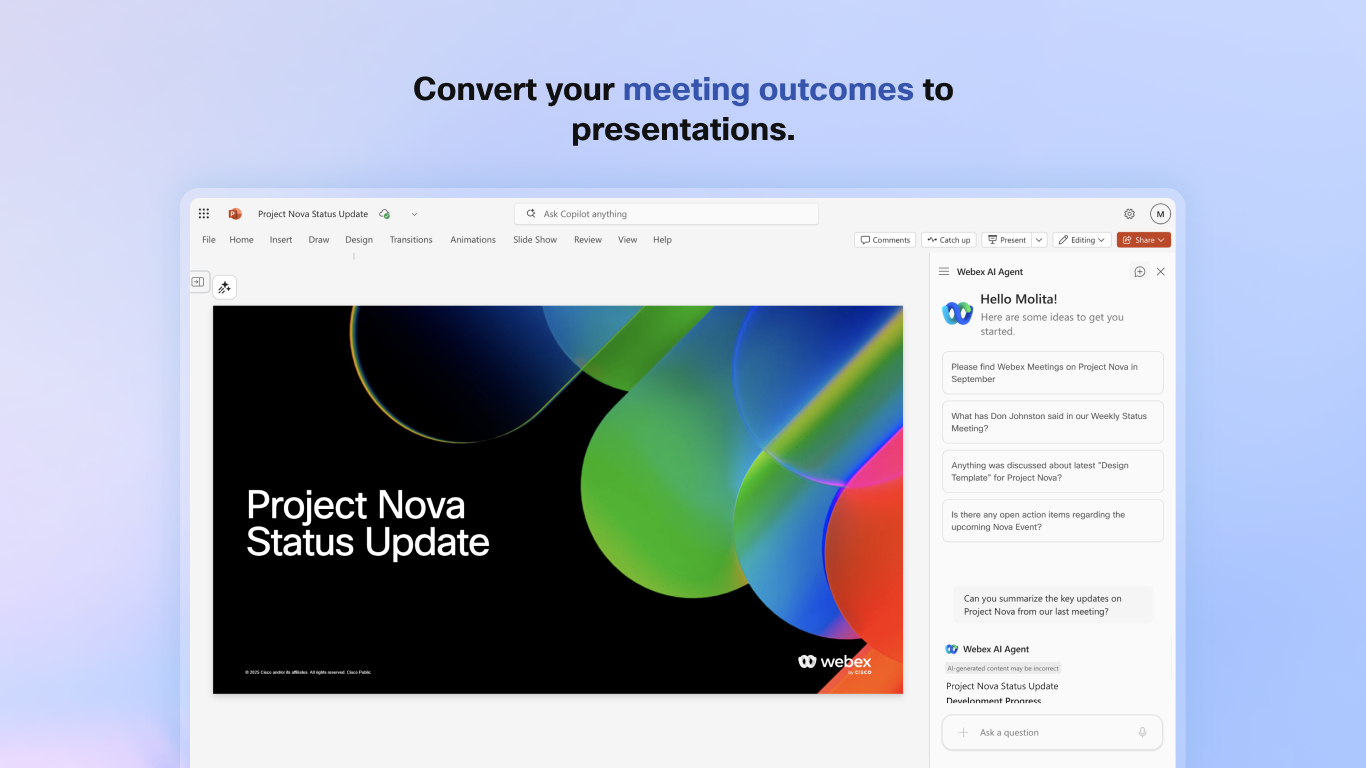
Webex AI Agent for Microsoft Copilot lets users securely connect their Webex account and access meeting and call content in Microsoft 365 Copilot. Users can search, analyze, and summarize Webex data by topic, participant, or time range to quickly find who said what and when.
To get started, an end user must click the Switch Copilot Menu icon in the header bar and select Webex AI Agent, or click the Open Upload image icon in the Copilot chat interface and select Webex AI Agent. Please note that this is Copilot Agent that does not require setup on Webex client. We request integration app registration on Control Hub to avoid this feature being disabled by customers who choose to "Block All".
To use this app, you need an active Webex account (with a license that supports AI Assistant features) and a Microsoft 365 account with a Copilot add-on subscription.
The Webex AI Agent is included with eligible Webex subscriptions. However, a separate paid subscription for Microsoft 365 Copilot is required.
Support


Categories
Webex AI Agent for Microsoft Copilot lets users securely connect their Webex account and access meeting and call content in Microsoft 365 Copilot. Users can search, analyze, and summarize Webex data by topic, participant, or time range to quickly find who said what and when.
To get started, an end user must click the Switch Copilot Menu icon in the header bar and select Webex AI Agent, or click the Open Upload image icon in the Copilot chat interface and select Webex AI Agent. Please note that this is Copilot Agent that does not require setup on Webex client. We request integration app registration on Control Hub to avoid this feature being disabled by customers who choose to "Block All".
To use this app, you need an active Webex account (with a license that supports AI Assistant features) and a Microsoft 365 account with a Copilot add-on subscription.
The Webex AI Agent is included with eligible Webex subscriptions. However, a separate paid subscription for Microsoft 365 Copilot is required.